

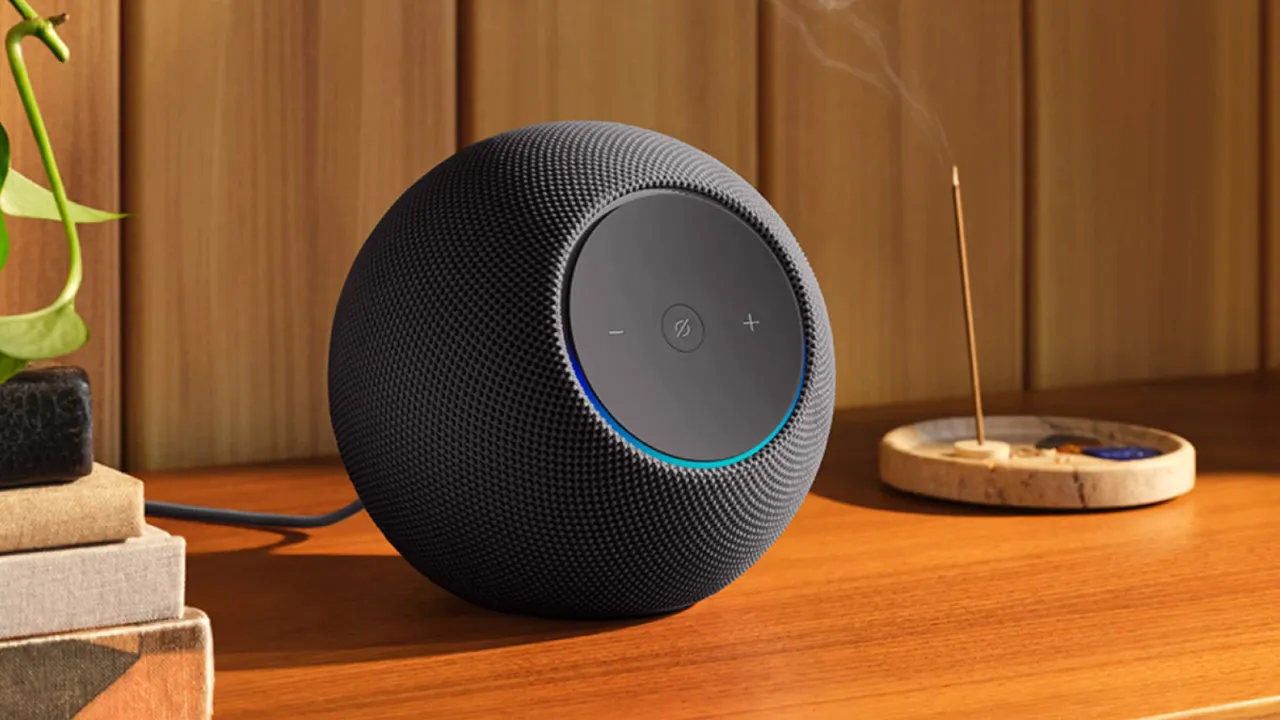
1. Cast Music Between Alexa Devices
If you’re listening to a song on one Amazon Echo and want it to play in another room, the Alexa Cast feature makes it easy—provided you have multiple Echo devices connected.
How to do it:
- Open the Amazon Music app on your phone and tap the currently playing track.
- Tap the Cast icon (a rectangle with Wi-Fi–style waves).
- Select the Echo device where you want the music to play.
You can also use the Alexa app:
- Open the song or playlist you’re listening to.
- Choose whether you want it to play on a single Echo or across all compatible devices in your home.
YTB Insight: Alexa Cast is especially useful for setting up whole-home audio without the need for extra speakers or a complicated setup.
2. Protect Your Home With Alexa Emergency Assist
For added security while you’re away, Alexa offers Emergency Assist, a feature designed to help monitor your home and connect you quickly to emergency services if needed.
When enabled, your Echo devices can detect potential signs of trouble, such as broken glass, and assist you in reaching emergency support promptly.
This feature replaces the older Alexa Guard and requires a subscription.
YTB Insight: This is ideal for frequent travelers or anyone looking for a simple home-monitoring solution without installing a full security system.
3. Thank Your Amazon Delivery Driver
Amazon has introduced a simple yet thoughtful feature that lets you thank your most recent delivery driver.
By saying “Alexa, thank my driver,” your Echo sends a message of appreciation to the driver who last delivered a package to your address.
It’s an easy way to show gratitude, especially when you don’t meet the driver in person.
YTB Insight: Small gestures like this make smart assistants feel more personal and create a positive real-world impact.
4. Shop on Amazon Using Alexa
Alexa can help you reorder everyday essentials such as toothpaste, paper towels, or cleaning supplies using your Amazon account.
To enable voice shopping:
- Open the Alexa app, tap More, go to Settings, then Account Settings, and select Voice Purchasing.
- Choose who can place orders and optionally set a PIN for added security.
Once enabled, you can say “Alexa, order toothpaste,” and Alexa will add the item to your cart and ask for confirmation before completing the purchase.
YTB Insight: Voice shopping is convenient, but setting a PIN is important to avoid accidental orders.
5. Find a Lost Phone With Alexa
Losing your phone at home can be frustrating—especially if it’s on silent. Alexa can help you locate it.
You can ask Alexa to call your phone.
If that doesn’t work, install the Find My Phone skill through the Alexa app. Once set up, Alexa can make your phone ring even when it’s muted.
YTB Insight: This is one of Alexa’s most underrated everyday features and is especially helpful in busy households.











Leave a comment